Process
Overview
This project implements a 3D xylophone simulation from scratch, using Taichi Lang frameworks. The system pairs a custom-built GPU ray marching renderer with physically driven sound synthesis.
Ray Marching Renderer
Motivation
I started by testing basic ball bouncing on a bar using Taichi's default rendering.

However, the default visualization was very limited (e.g. no shadows) — something frameworks like Three.js or Houdini provide out of the box. So I decided to build a custom ray marching renderer (inspired by Shadertoy), which will give me full flexibility over camera setup, lighting, shading, interactivity, and physics.
Rendering
The ray marcher evaluates Signed Distance Functions (SDFs) across the scene with configurable camera position, look-at target, field of view (FOV), and render resolution. Since I'm modeling a xylophone and pingpong balls, I only needed a few SDFs (cube and sphere) [1].
@ti.kernel
def render():
    for i, j in pixels:  # Parallelized over screen pixels on GPU
        # Normalized screen coordinates (u, v) centered at screen midpoint
        u = (i - window_x * 0.5) / (window_y * 0.5)
        v = (j - window_y * 0.5) / (window_y * 0.5)

        # Ray direction along camera basis vectors scaled by focal length (FOV)
        ray_dir = (u * cam_right + v * cam_up + focal_length * cam_forward).normalized()

        # Ray Marching & Object Shading
        t = 0.0
        for _ in range(ray_marching_iterations):
            pos = camera_position + t * ray_dir
            dist, object_id = get_distance_to_scene(pos)
            if dist < hit_threshold:  # Hit surface
                color = get_object_color(object_id)  # Bar hue or ball color
                pixels[i, j] = compute_shading(color, pos, normal, light_dir, -ray_dir)
                break
            t += dist  # March forward
Anti-Aliasing
The initial cube exhibited severe aliasing at the edges, and there were several fixes to mitigate the issue.
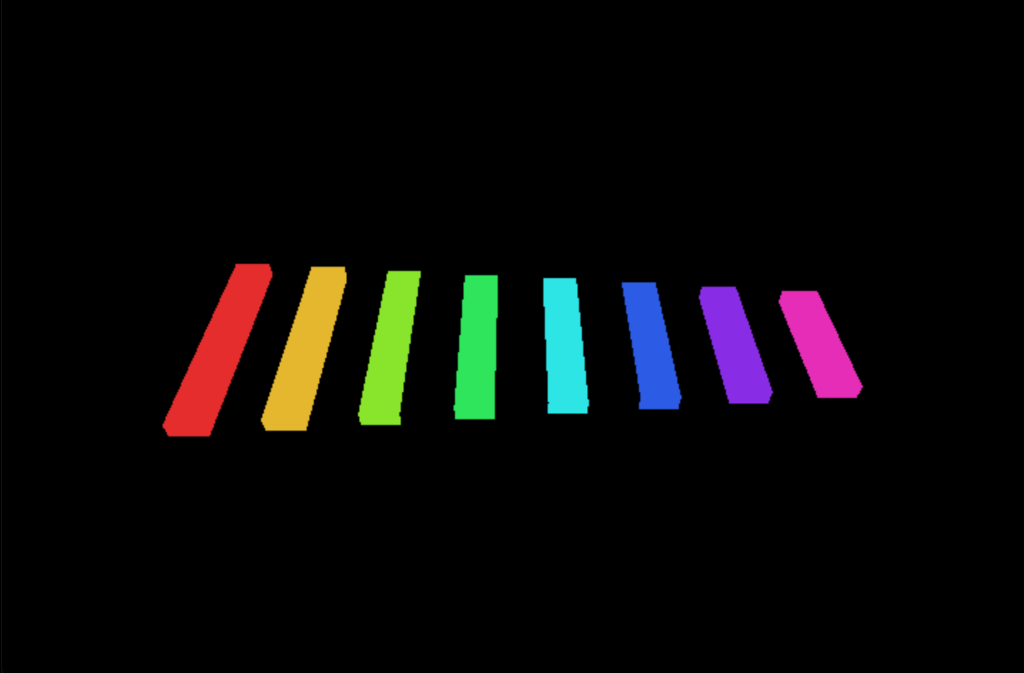
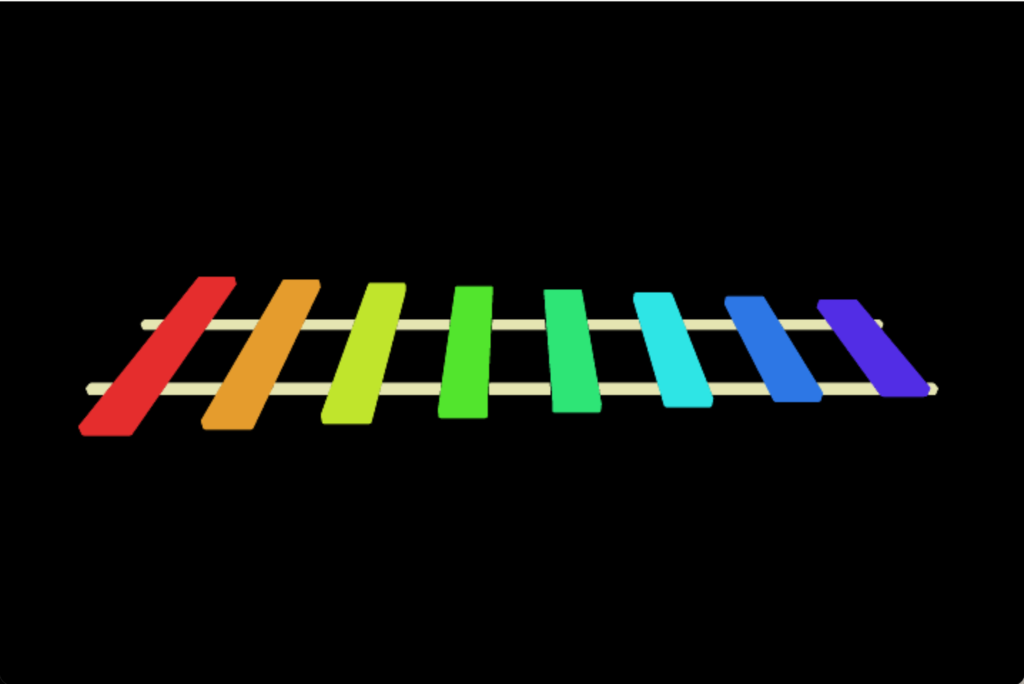
- Fix 1 (Supersampling Anti-Aliasing): I experimented with averaging sub-pixel samples, which improved the aliasing, at the cost of huge FPS drop. When tuning GPU parallelization loops in Taichi, I discovered that choosing the correct loop level to parallelize matters for performance.
- Fix 2 (Rounded Corner SDF): Rounding the box corners mathematically in the SDF formulation yielded a dramatically cleaner visual result with no performance penalty.
Physics
The simulation is interactive and users can click directly on the bars to trigger notes. User clicks are handled by casting rays into the scene and checking for intersections with the bars, using the same ray marching algorithm.
- Ball Bouncing: Ball motion is calculated using explicit Euler time-stepping, and its collisions with xylophone bars are detected using SDFs.
-
Ball Trajectory Computation: Instead of dropping balls at random times, in order to make
music, the timing of the collision must be predictable. Therefore, the initial velocities of the balls must
be calculated
so that the impact on the target bar occurs at the expected time. We can simply use the Kinematics
equations:
$$\mathbf{v}_0 = \frac{\Delta\mathbf{p} - \frac{1}{2}\mathbf{g} t^2}{t}$$
where \(\Delta\mathbf{p} = \mathbf{p}_{\text{target}} - \mathbf{p}_{\text{start}}\) is the displacement vector from the camera to the bar, \(\mathbf{g}\) is gravity, and \(t\) is the predetermined flight time.
- Suspense Mode: Pressing the spacebar triggers a suspense mode where balls are thrown at random notes with randomized initial velocities.
Lighting & Shading
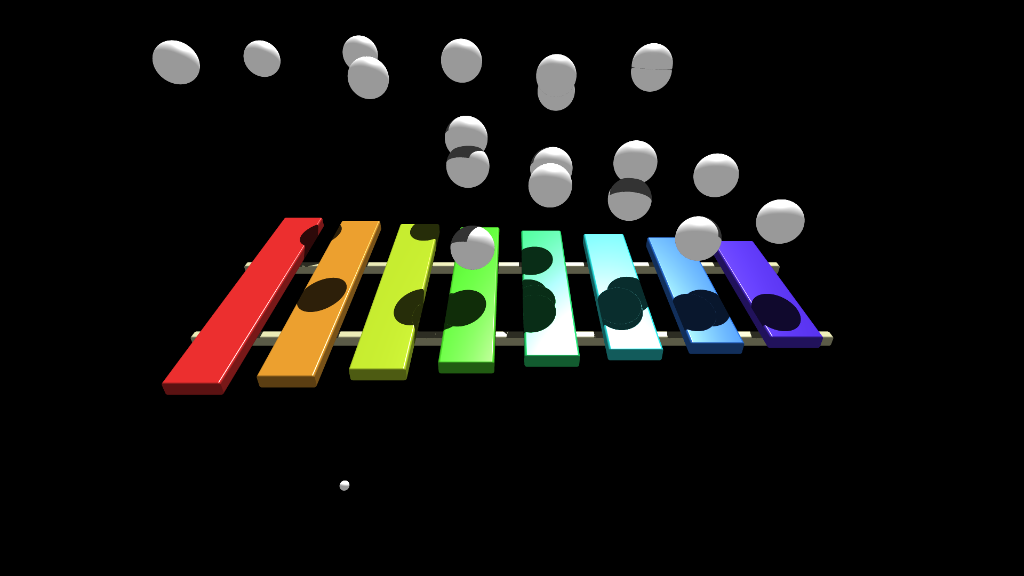
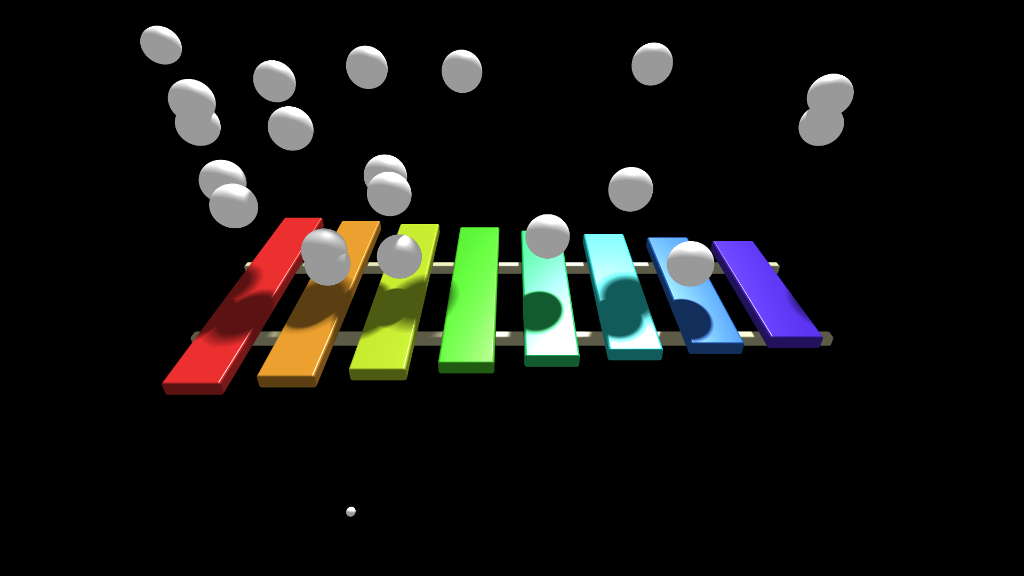
Lighting is evaluated using a custom directional light with the Blinn-Phong shading model, which combines ambient light, diffuse reflection, and specular highlights:
$$I = \underbrace{k_a \mathbf{C}_{\text{base}}}_{\text{Ambient}} + S \cdot \Big[ \underbrace{k_d \mathbf{C}_{\text{base}} (\mathbf{N} \cdot \mathbf{L})}_{\text{Diffuse}} + \underbrace{k_s I_{\text{light}} (\mathbf{N} \cdot \mathbf{H})^\alpha}_{\text{Specular}} \Big]$$
• \(I\): Final shaded pixel color.
• \(\mathbf{C}_{\text{base}}, I_{\text{light}}\): Surface base color and light source
intensity.
• \(k_a, k_d, k_s, \alpha\): Reflection coefficients for ambient, diffuse, and specular
components, where \(\alpha\) is the shininess exponent.
• \(\mathbf{N}, \mathbf{L}, \mathbf{H}\): Surface normal \(\mathbf{N}\),
light direction \(\mathbf{L}\), and halfway vector \(\mathbf{H} =
\frac{\mathbf{L} + \mathbf{V}}{\|\mathbf{L} + \mathbf{V}\|}\) where \(\mathbf{V}\) is view direction.
• \(S \in [0, 1]\): Shadow visibility factor (\(0 = \text{shadowed}\), \(1 = \text{fully
lit}\)).
Penumbra Shadow: A standard binary occlusion check produces harsh, blocky shadow edges. To create realistic soft penumbra shadows, we track the closest approach of the shadow ray as it marches toward the light:
$$S = \min_{t} \left( \frac{w \cdot d(t)}{t} \right)$$
• \(t\): Distance towards the light from the surface.
• \(d(t)\): Shortest distance to the nearest obstacle, which does not need to lie in
the direction of the light.
• \(w\): Shadow softness factor controlling how widely the penumbra diffuses.
Dual Execution Modes
Because handling user inputs and supersampling significantly reduce FPS, the simulation also supports offline rendering mode. In offline mode, a fixed delta time (\(\Delta t\)) is enforced for physics, while in real-time mode, dynamic delta time is used so that the ball bouncing animation plays at the expected speed.
Sound Synthesis
Collision Data Export
To synchronize the animation with audio, I have to record several physical properties for each collision event [2].
bar_id: The index of the bar struck (determining pitch).delay: Sub-frame collision timing offset within the current frame.impact_impulse: Impact impulse magnitude (\(m \cdot \Delta v\)). This determines loudness.vertical_distance: Impact distance relative to the center of the bar. This affects how resonant the sound is (i.e. striking the center produces the most resonance).
Inharmonic Modal Frequencies
Xylophone bars are "inharmonic", meaning they produce non-integer overtones. Thus, our auditory system cannot fuse these into a single pitch, so they produce a more metallic or percussive timbre, missing a single defining pitch, unlike string instruments [3].
To capture this characteristic, the sound synthesizer combines the fundamental pitch with two inharmonic overtones using damped sinusoids with exponential decay envelopes. The exponential decay is because the amplitude is greatest at the impact and then decays over time.
We can tune the exponential damping factors for the notes to sustain longer:
Overall, it was one of the most enjoyable projects I've ever worked on because it touched on many areas of computer graphics, including rendering, parallel programming, physical simulation, gameplay, and audio synthesis!
Future Investigations
- Acceleration Noise: For more realism, it would be great to capture the sharp impact sound for the ball-bar collision.
References
- [1] Inigo Quilez. 3D Distance Functions.
- [2] Doug L. James. CS448Z: Physically Based Animation and Sound — HW0. Stanford University.
- [3] Doug L. James. Modal Sound Explorer.